The Toolchain You Forgot You Installed: Auditing Global Packages in 2026

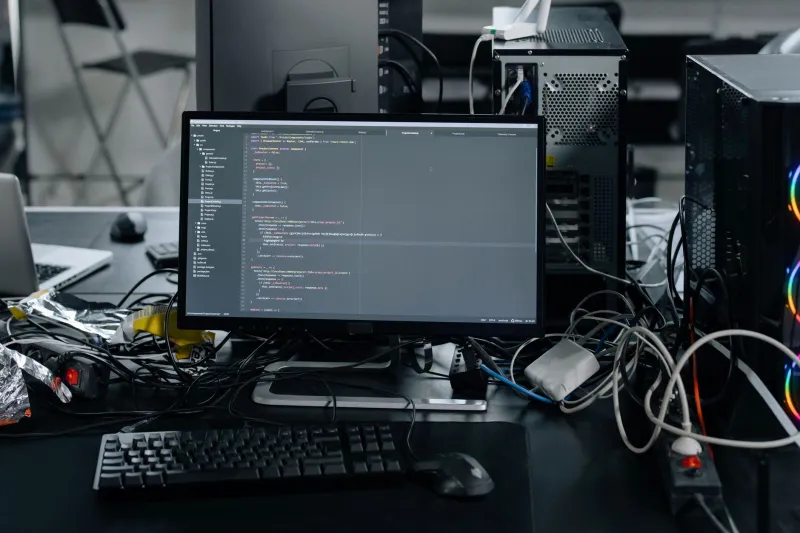
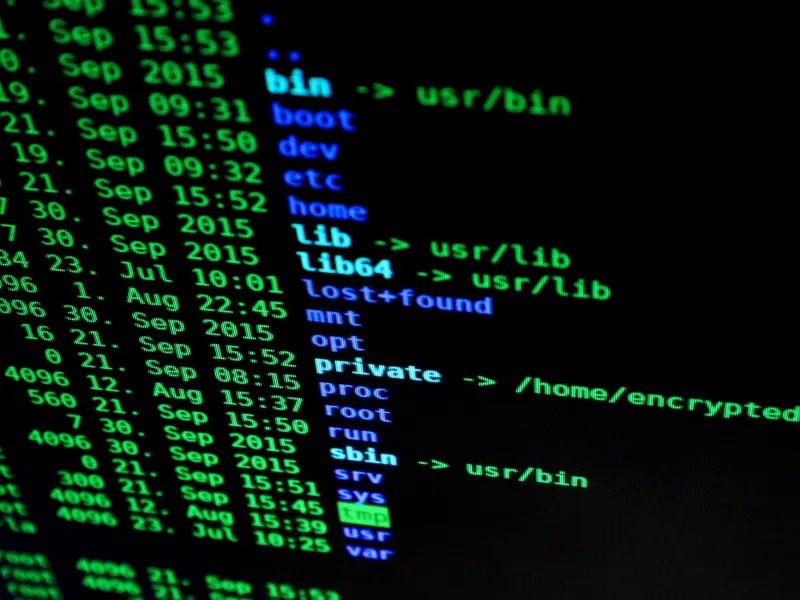
Photo: developer laptop terminal package manager audit code inventory, via cdn.pixabay.com
Global package managers are useful precisely because they are easy: one command installs a CLI, and it is available everywhere. Over time, that convenience becomes a liability. A 2026 development laptop or CI image can carry multiple Node runtimes, several Python environments, forgotten Rust binaries, Homebrew packages installed for a single experiment, and a PATH that has been edited by at least four different setup guides. None of this is unusual, and none of it is automatically dangerous. The problem is that global state is invisible state. It makes onboarding slower, troubleshooting harder, and reproducibility weaker.
The goal of an audit is not to delete aggressively. It is to replace undocumented global accumulation with a small, intentional set of tools and project-local manifests that describe what each codebase needs. The process below is designed for US-based teams that support a mix of Windows, macOS, and Linux machines, including remote staff and corporate laptops where system-level changes may require approval.
Global convenience, project-level debt
A globally installed package often starts as a shortcut. A developer needs a formatter, a linter, a database client, or a build helper, so they install it once and move on. Months later, nobody remembers which project required it or whether it is still maintained. Meanwhile, a new hire follows a README that says to install a tool globally, and the cycle repeats.
The debt compounds in three ways. First, PATH order determines which binary runs, and duplicate runtimes can shadow one another in ways that are difficult to diagnose. Second, global packages bypass project manifests, so the machine works only for the person who configured it. Third, abandoned global tools remain on disk and in the shell environment long after the project that needed them has been archived. Auditing is therefore both a disk-space exercise and a reproducibility exercise.
Build an inventory before touching anything
Begin with evidence. Do not uninstall from memory. Capture the current state in a text file or ticket so the team can review changes before they happen. The exact commands vary by platform, but the principle is consistent: ask each package manager what it owns.
For Node.js, check npm ls -g --depth=0, pnpm list -g --depth=0, and yarn global list if those managers are in use. For Python, run pipx list to see isolated CLI tools and python -m pip list --user to see user-level packages; avoid treating the system Python installation as a personal package store. For Rust, use cargo install --list. On macOS, brew list --formula and brew list --cask show installed packages, while brew leaves helps identify top-level formulae that are not dependencies of something else. On Linux, use the native manager, such as apt list --installed, dnf list installed, or pacman -Qe.
Then inspect the runtime and PATH layer. On macOS and Linux, echo $PATH | tr ':' '\n' prints each PATH entry on its own line. Use which -a node python cargo to see every matching binary, not just the first one. On Windows, Get-Command -All node in PowerShell and where.exe node provide similar visibility. Record duplicate runtimes, unusual PATH entries, and version-manager shims. If the machine uses nvm, pyenv, rustup, asdf, or mise, list the installed versions through those tools as well.
Separate essentials from accidents
After the inventory exists, classify each item. A small set of global tools is reasonable: version managers, package managers, a terminal multiplexer, and perhaps a cloud CLI that the organization standardizes. Most other global packages should justify themselves through a project manifest or a documented team standard.
Look for four categories. Essential global utilities are used across many repositories and are maintained deliberately. Project-specific tools belong in the project, even if they are installed globally today. Obsolete tools have no active repository, no recent use, and no owner. Duplicate runtimes are separate installations of the same language or tool, often introduced by different version managers. System-owned packages should be left to the operating system or IT policy; removing them can break unrelated software.
A useful test is to ask whether a new developer would need the tool before cloning any repository. If the answer is no, it probably belongs in a project manifest. If the answer is yes, it belongs in the team setup documentation with a version and a reason.
Remove through the manager, then repair PATH
Once the list is reviewed, remove packages through the manager that installed them. Use npm uninstall -g, pipx uninstall, cargo uninstall, brew uninstall, or the appropriate system package command. Do not delete files from package directories by hand, and do not use sudo pip uninstall to clean up user-level Python packages. Manager-driven removal preserves metadata and reduces the chance of leaving broken symlinks behind.
After removal, clean caches where the manager supports it, such as npm cache verify, pip cache purge, and brew cleanup. Then inspect shell profiles for PATH edits that no longer serve a purpose. Remove entries for deleted tools, consolidate version-manager initialization, and verify that the expected binary resolves first. Run which -a again after each change. On Windows, review user and system environment variables separately, because a stale system entry can override a user-level setup.
This is also the moment to check for orphaned dependencies. Homebrew users can review brew autoremove before running it. Node and Python users should confirm that removing a global CLI does not remove a package that a project still imports. When in doubt, remove one item at a time and test the affected repositories.
Rebuild around manifests and pinning
The durable fix is to make projects describe their own requirements. For Node.js, keep dependencies in package.json, commit the lockfile, and pin the runtime with .nvmrc or the equivalent for the team's version manager. For Python, use pyproject.toml with a lockfile and a project-local virtual environment; tools such as uv, Poetry, or pip-tools can make this repeatable. For Rust, keep dependencies in Cargo.toml and pin the compiler with rust-toolchain.toml. On macOS, a Brewfile can document command-line utilities and applications without relying on memory.
Global installs should shrink to the layer that bootstraps everything else: version managers, package managers, and a short list of organization-wide utilities. If a tool is needed by only one repository, install it there. If it is needed by every repository, document it once and pin it. Containers and dev containers are also useful for teams that need stronger isolation, especially when CI and local development must match closely.
Write the setup down
A clean toolchain is only reproducible if the next person can rebuild it. Add a setup section to the repository README or a dedicated setup document. List operating-system prerequisites, version-manager commands, bootstrap scripts, and the expected verification commands. A simple make setup target or a scripts/bootstrap.sh file is often enough. Include a doctor script that checks versions and prints a short report when something is missing.
The documentation should also state what not to install globally. That sounds trivial, but it prevents the exact drift the audit was meant to remove. Review the document when the toolchain changes, not only when onboarding fails.
A quarterly routine, not a one-time purge
Treat the audit as maintenance. Once a quarter, capture the global package inventory, compare it with the documented standard, remove what is no longer justified, and update the manifests. The review does not need to be elaborate; a shared checklist and a short pull request are sufficient. The point is to keep global state small enough that it can be understood.
In 2026, the package managers are not the problem. Undocumented accumulation is. A deliberate inventory, manager-driven removal, and manifest-first rebuild give developers a toolchain they can explain, transfer, and trust.